HEADBALLGAME GUIDE
How to Choose a Two-Player Browser Game on One Device
“Two player” can mean two people sharing one keyboard, taking turns on one screen, or connecting from separate devices. Choosing the right format first prevents control conflicts and turns a quick game session into something both players can actually enjoy.
Identify the multiplayer format
Look for wording such as local multiplayer, shared keyboard, two players, turn based or online multiplayer. A local two-player title runs both players in the same browser and usually divides the controls between opposite sides of the keyboard. A turn-based game lets players share the same mouse or touch screen. Online multiplayer normally requires separate devices or a room system and should not be assumed to work as a one-keyboard game.
HeadBallGame keeps two-player games and multiplayer games as separate discovery paths, although some games can appear in both when they support more than one mode. Before inviting a second player, open the title and confirm that its menu exposes a two-player option. Catalog labels describe the general format, but the game’s own menu is the final source because providers can update modes and controls.
Shared-keyboard games: space matters
In a shared-keyboard action game, one player often uses WASD while the other uses the arrow keys. Put the keyboard on a stable surface and leave enough room for both hands. Compact laptop keyboards can make simultaneous input uncomfortable, and some inexpensive keyboards fail to register particular three-key combinations. This hardware limit is called key ghosting; it is not necessarily a bug in the game.
A useful test is to open a match, have each player press one movement key, and then add an action key. If one command disappears only when the others are held, choose a game with fewer simultaneous controls or use external controllers if the title explicitly supports them. Do not remap keys with an unknown browser extension merely to solve a casual session. The privacy and reliability tradeoff is rarely worthwhile.
Worked comparison: quick rounds versus longer matches
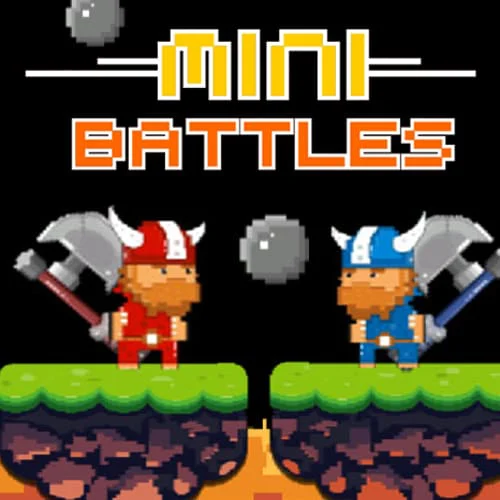
12 MiniBattles is suited to a mixed-skill pair because it rotates through short challenges and gives both players repeated fresh starts. A poor round ends quickly, so one player is less likely to spend a long match stuck behind. Temple of Boom is better when both players already understand movement and action controls and want a more continuous contest.
The meaningful difference is not visual style but the cost of a mistake. Short-round games are usually better for children, new players or a social break. Longer competitive games reward practice and can feel more satisfying for evenly matched players. If skill levels differ, agree on a short series or swap sides so keyboard position does not become an unfair advantage.
Phones, tablets and accessibility
Two people sharing a phone is practical only when the game was designed for large, separated touch targets or turn-based interaction. Small simultaneous buttons can cause blocked views and accidental taps. A tablet gives more physical space, but the game still needs native touch support. Rotating the device does not add controls that the title lacks.
Consider motor comfort, color contrast, sound dependence and reaction speed. Turn-based board, puzzle and quiz games often work better when either player needs more time. Games with short rounds and clear visual feedback are more forgiving in noisy environments. Volume should stay low enough that audio cues do not disturb others, and headphones should not be shared if both players need the same sound information.
A fair-session checklist
- Confirm the game really offers a local two-player mode.
- Test both control sets before starting the score.
- Choose short rounds when skill or age differs.
- Swap keyboard sides during a longer series.
- Take a break if hand position becomes uncomfortable.
Our recommendation is to begin with a short-round local game, especially on a laptop. Move to a deeper fighting or platform title only after both players can use the controls without conflict. The best two-player game is not the one with the most features; it is the one that gives both people frequent, understandable decisions and roughly equal access to the controls.